 Kodox
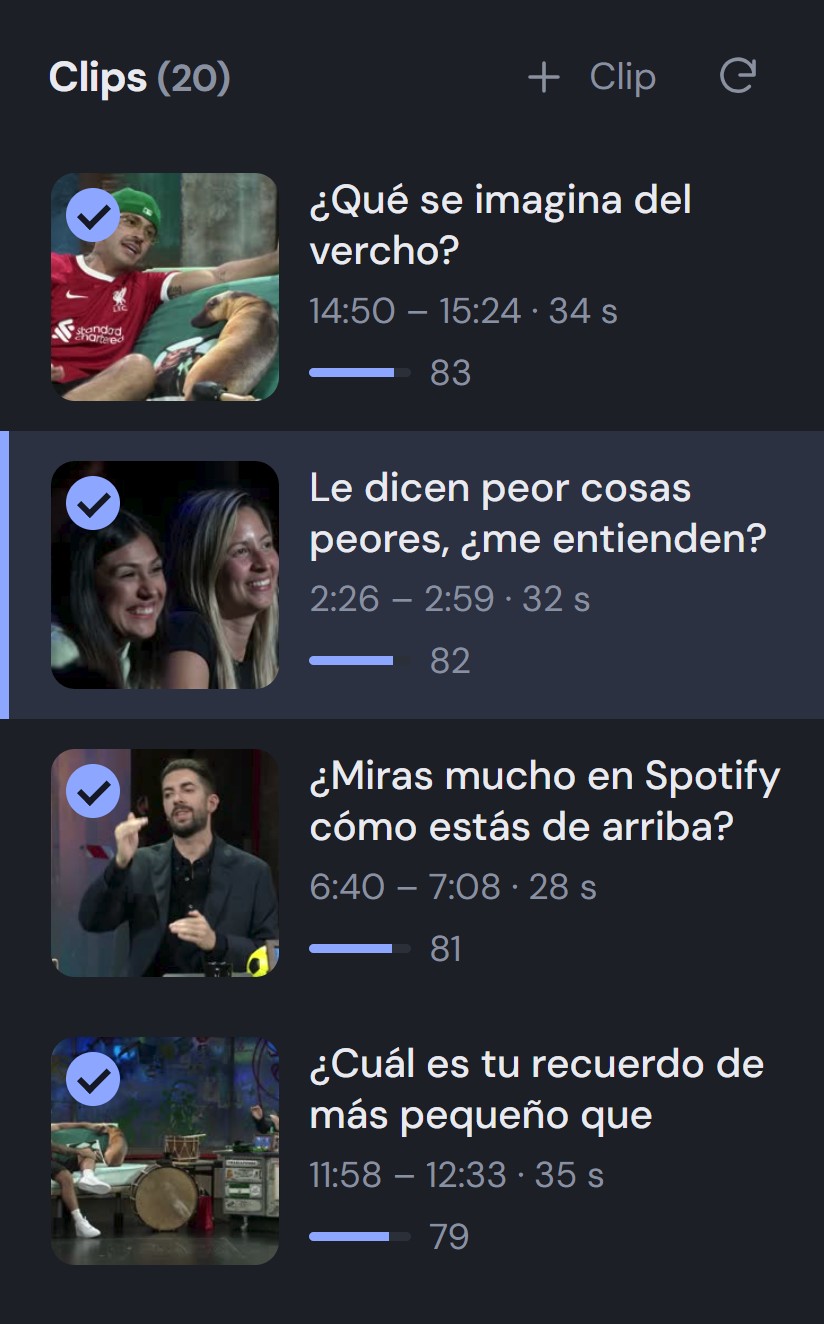
It picks the moments worth posting
Kodox reads the transcript and marks the passages with the most pull, each with a score. Keep them, shorten them or drop them.
Kodox finds the best moments in your interview, podcast or stream, cuts them to vertical and adds animated subtitles. All on your own PC.
 Editor
 Exported
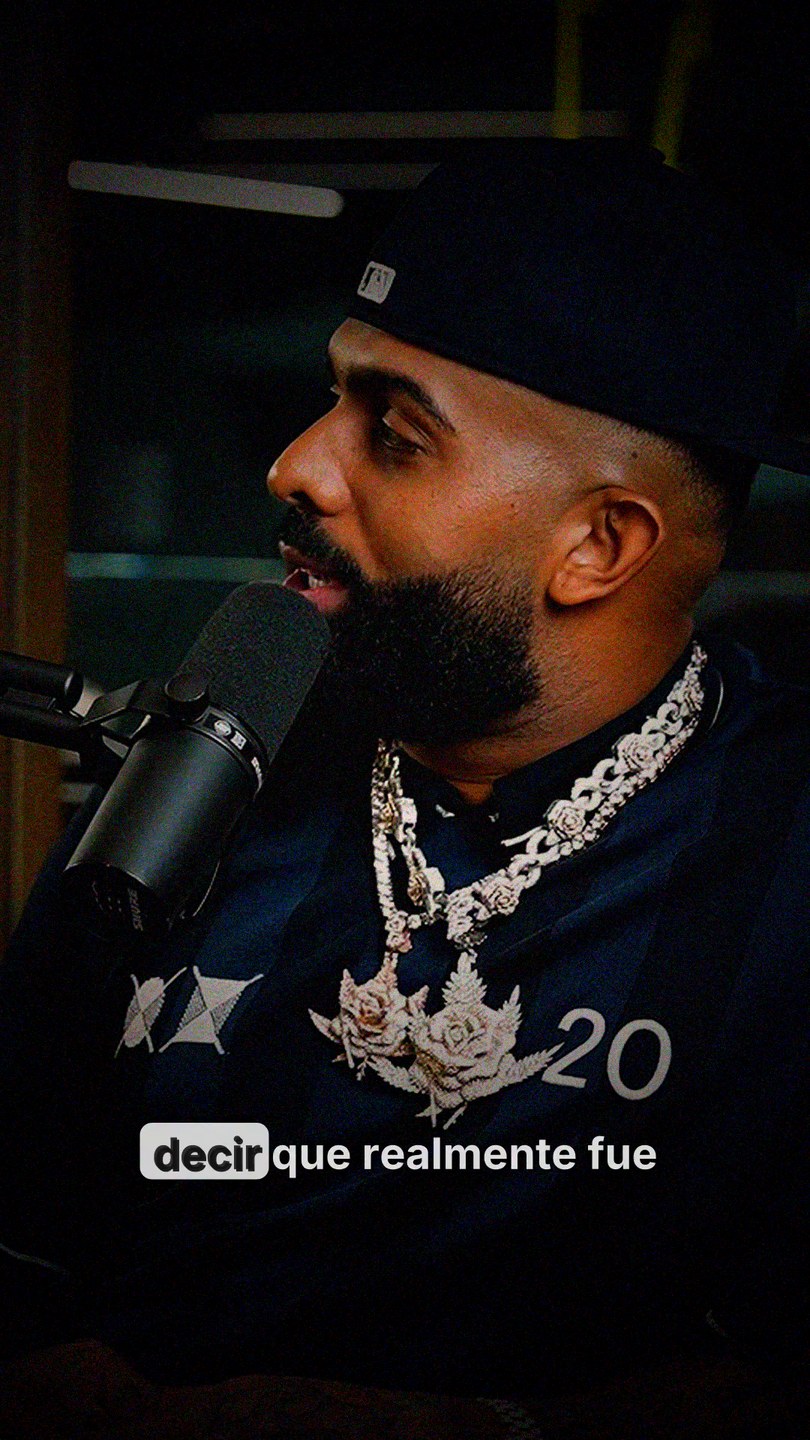
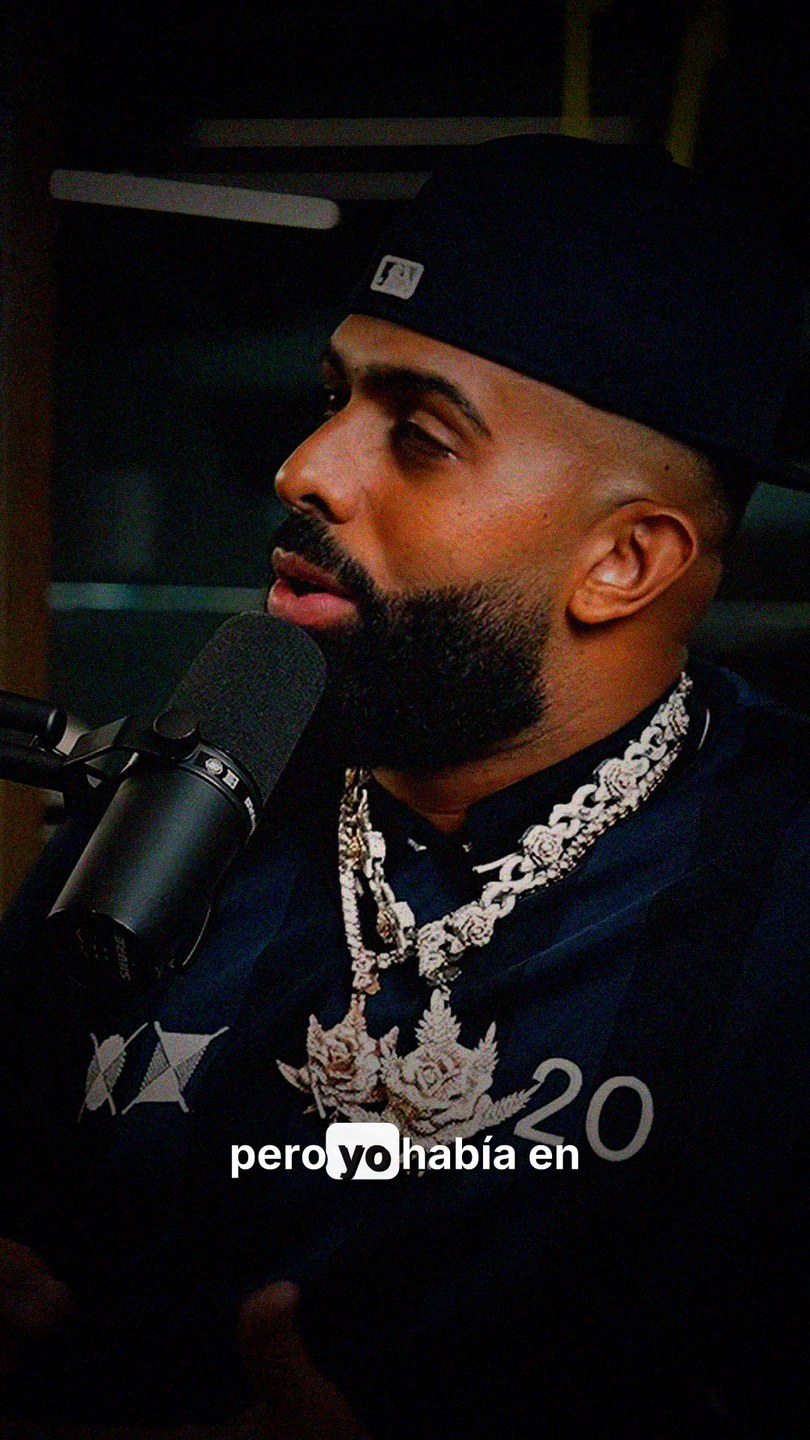
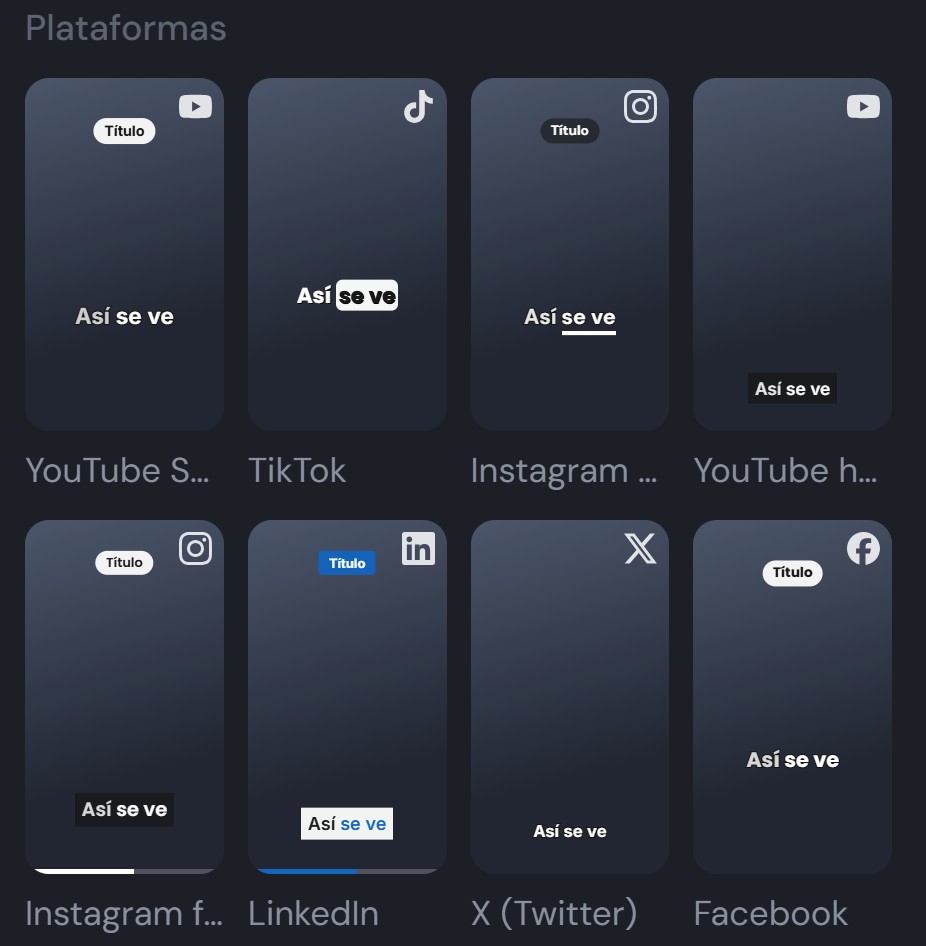
Templates ready for every platform
Clip finding, subtitles, templates and color in one editor, built for people who publish every week.
Kodox reads the transcript and marks the passages with the most pull, each with a score. Keep them, shorten them or drop them.
YouTube Shorts, TikTok, Instagram, LinkedIn, X and Facebook, each with its own look. Build your own and save it for next time.
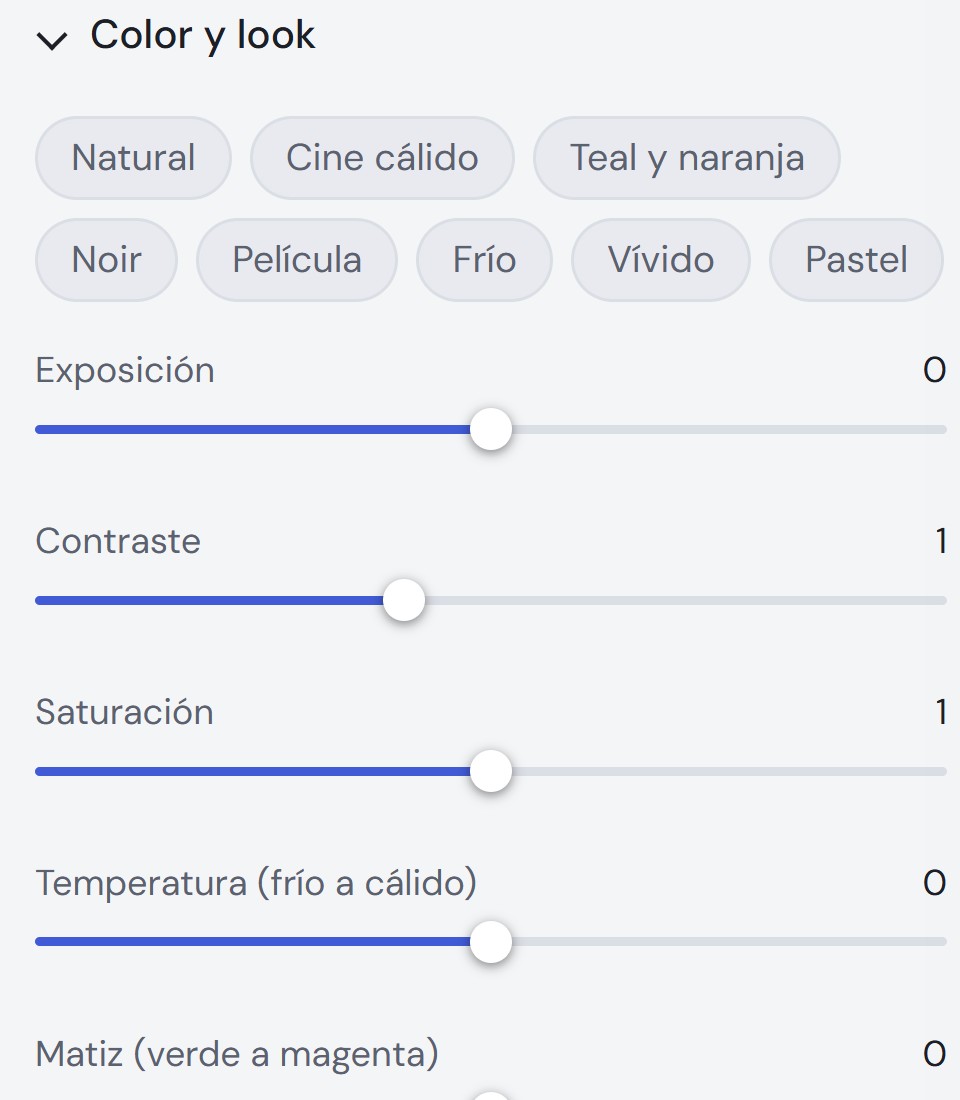
Exposure, contrast, saturation and ready-made looks such as Warm cinema, Teal and orange or Noir.
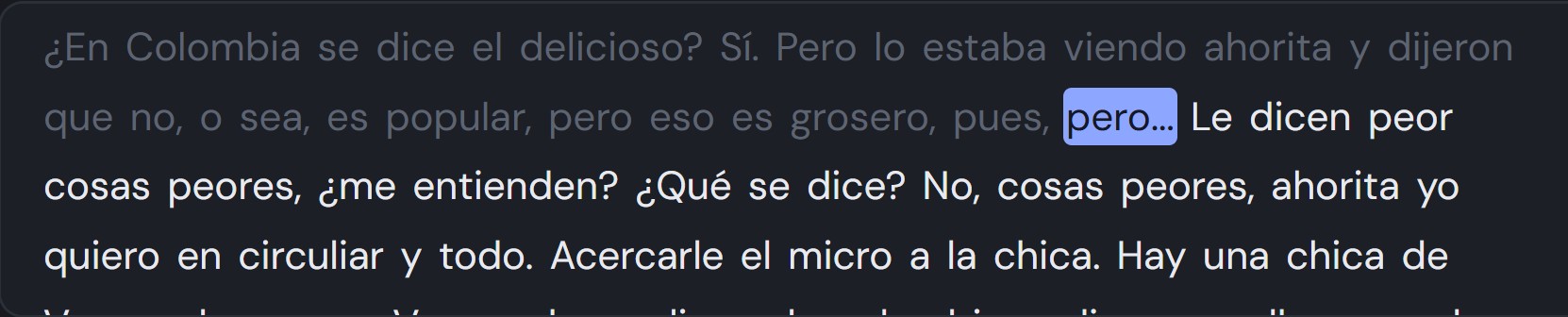
If the transcript gets a word wrong, double-click it and type the right one. Or replace it across the whole video.
Speech recognition happens on your computer. The model downloads once.
If you connect an AI to suggest clips, it only receives the transcript.
Install it, open it, drop a video. You export just the MP4 files.
Installer for Windows 10 and 11 (64-bit). It installs for your user only, no administrator rights needed.
Everything you need to try it on your own videos.
For publishing clips under your own brand.
Anything else? The first release is close, and this page will have the download as soon as it ships.
No. Transcription and rendering happen on your computer. The AI that suggests clips only receives the transcript text, and only if you connect one.
No. Any recent PC works. An NVIDIA card speeds up exporting but isn't required.
The free version exports with a watermark at standard quality. A license removes both.
The interface is in Spanish for now. You choose the transcription language when you load a video, so your subtitles match what is said.
Just the video, as MP4. No extra subtitle or image files.
Kodox finds them, cuts them and subtitles them, without your footage ever leaving your PC.